
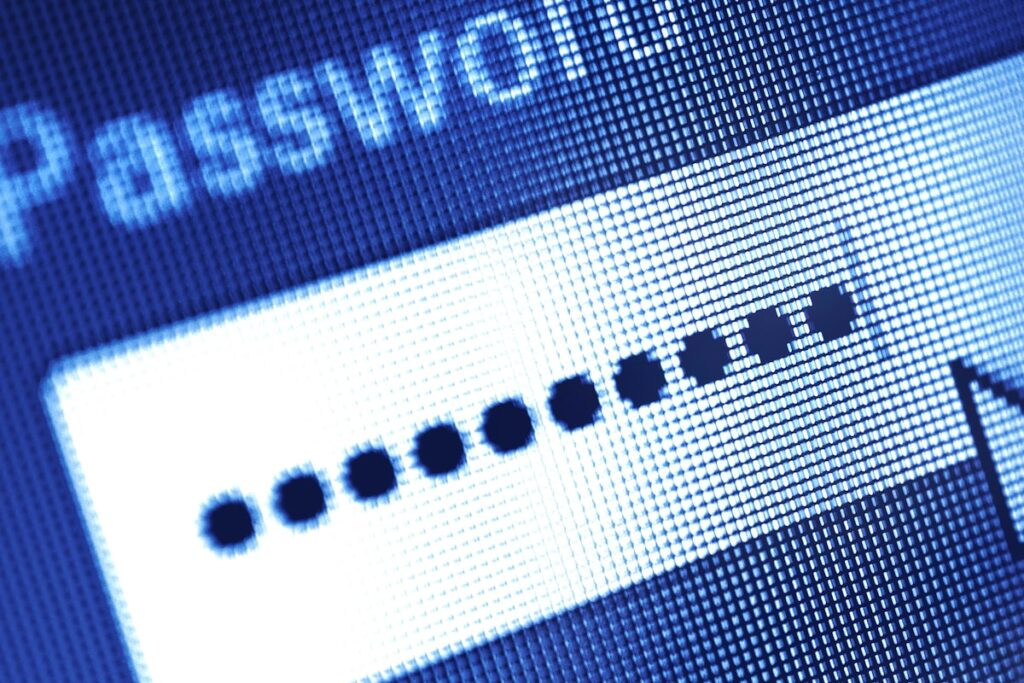
Passwords should be encrypted and stored in a password manager, such as those built into operating systems and web browsers.RayaHristova/iStockPhoto / Getty Images
Last month, The Globe and Mail published the story of a Questrade client who lost $70,000 in a cybercrime. Alarmingly, Questrade refused to reimburse the client for her losses despite an online security guarantee, since it wasn’t caused by a breach of their systems. Turns out the hack was caused by a phishing attack, which isn’t covered.
While a knee-jerk reaction might be to blame Questrade for not helping their client, it’s worth noting that all major banks have similar limitations to their security guarantees. So if a client gives away their password, even inadvertently, they may be on the hook for any resulting losses.
The takeaway here is that it pays to adhere to online security best practices to avoid ending up in this situation. Security comes from having multiple safeguards in place. Here are our tips.
Use long unique passwords
What makes a good password? Is it its cleverness? Or using numbers instead of letters? No. A good password looks like this: dFsXrq6xE3Q3sd85bK?Q
A random string of letters, numbers and special characters that mean absolutely nothing to you or anyone else in your life. Additionally, each account should have a different random password. That’s because hackers may try to steal your password to a less important, less secure site and hope the same password works for your financial accounts.
Passwords should be encrypted and stored in a password manager. Your operating system has built-in password managers, in the form of Microsoft Credential Manager and Apple’s iCloud Keychain. Major web browsers such as Microsoft Edge and Google Chrome also include built-in password managers. Use them.
Keep your software updated
Hackers are always looking for bugs they can exploit to gain access to your system, and software companies are constantly trying to find and fix these bugs before they can be used for nefarious purposes. These fixes are delivered to you in security updates through your operating system’s auto-update feature. Check your operating system’s update and security settings, which you can find in the Control Panel for Windows or System Settings for OS X, and make sure this feature is turned on.
Always type, never click
Questrade referenced a suspected phishing attack in their response to The Globe article. A phishing attack is when a hacker tricks an unsuspecting victim into clicking a link in their e-mail that takes them to a fake version of a bank’s website.
These e-mails are deliberately created to look alarming, such as claiming your bank account has already been hacked, to cause you to panic and click a link that claims to help you recover access to your account. In reality, that’s the link that gets you hacked.
No matter what an e-mail says, never click any link to access your financial institution. Instead, pull up a new browser window and type the site manually into your browser’s address bar. Don’t rely on bookmarks either because those can be altered.
Use an app-based two-factor authentication security method
Two-factor authentication (2FA) is advertised as a more secure way to log in to your account and requires both a password and a six-digit code that’s typically sent in a text to your phone. However, we know a dirty little secret.
2FA codes delivered via text message aren’t secure. The text messaging system was not designed to deliver security codes and as such there are security holes large enough to drive a truck through.
You were targeted in a scam. Is your bank liable for the losses?
If a hacker knows your phone number, they can read your SMS messages and intercept your calls. Alarmingly, there’s absolutely nothing you can do about it because the vulnerability isn’t on your device. The flaws that allow these attacks to happen exist on the telecom companies’ communications infrastructure.
The only way to ensure that your 2FA codes are safe is to not use SMS to deliver them. Instead, use an app that you install on your phone to generate these codes. This method is much safer than SMS because these apps don’t transmit their codes over any network and therefore can’t be intercepted. To enable this feature on your bank, google your bank name and the phrase “app based 2fa,” and you will find instructions on how to set it up.
For maximum security, a hardware-based token such as a YubiKey can be used to generate these codes. These tokens are USB stick-like devices that you either insert into your laptop or tap on the back of your phone to generate your login codes.
These are considered the gold standard of 2FA methods because not only are they impossible to intercept, they can’t be hacked either since the hardware token can’t be infected by viruses. In order to steal the codes a YubiKey generates, an attacker would need physical access to the actual key.
According to the Canadian Anti-Fraud Centre, Canadians lost a staggering $67-million in 2024 alone due to phishing scams. Let’s all do what we can to not be a part of this statistic.
Kristy Shen and Bryce Leung retired in their 30s and are authors of the bestselling book Quit Like a Millionaire.