You’re Watching AI Headlines Daily. Here’s How to Own the Whole Trend at Once

Quick Read QQQ returned 40% over the trailing year and 591% over the past decade, with NVIDIA, Microsoft, and Apple leading its Nasdaq-100 holdings. Very bullish Reddit sentiment and top-three holdings controlling 25% of the fund signal a crowded trade, making position sizing critical for QQQ investors. Don’t wait: the analyst who called NVIDIA in […]
How to Watch Apple’s WWDC 2026 Keynote—and What to Expect

Apple CEO Tim Cook’s final time hosting the company’s annual Worldwide Developers Conference (WWDC) is just about here. The outgoing Apple leader will shepherd a keynote address announcing new software features for Siri, iOS, and Apple’s artificial intelligence efforts. It’s likely to be a final look at the company’s vision from the leader who focused […]
How to Use Apple’s Live Translation on Your AirPods
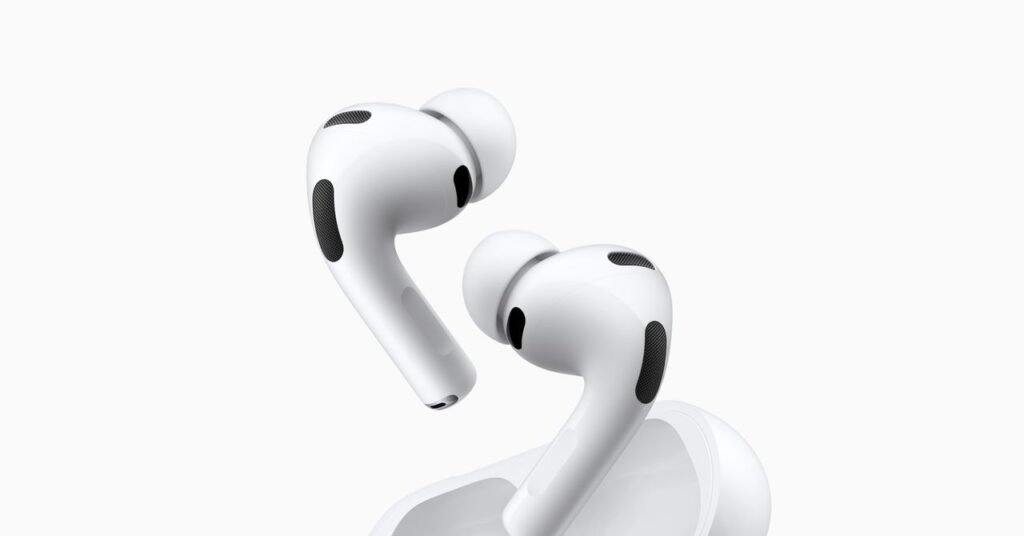
At the same time Apple announced the AirPods Pro 3 last year, the company also introduced a new feature called Live Translation. It makes the idea of the Babel fish, so evocatively described in The Hitchhiker’s Guide to the Galaxy, a reality: Something sitting in your ear that can instantly translate between languages, on demand. […]
How to view edits in Notes – Six Colors

The Notes app is a handy way to share material with other people. My family—particularly my spouse and I—has about 15 to 20 shared notes that let us collaboratively update various household, financial, college-related, and other details. We even use it with meal planning. However, once you start adding a shared note, you get alerts […]
How to share your location via satellite on iPhone
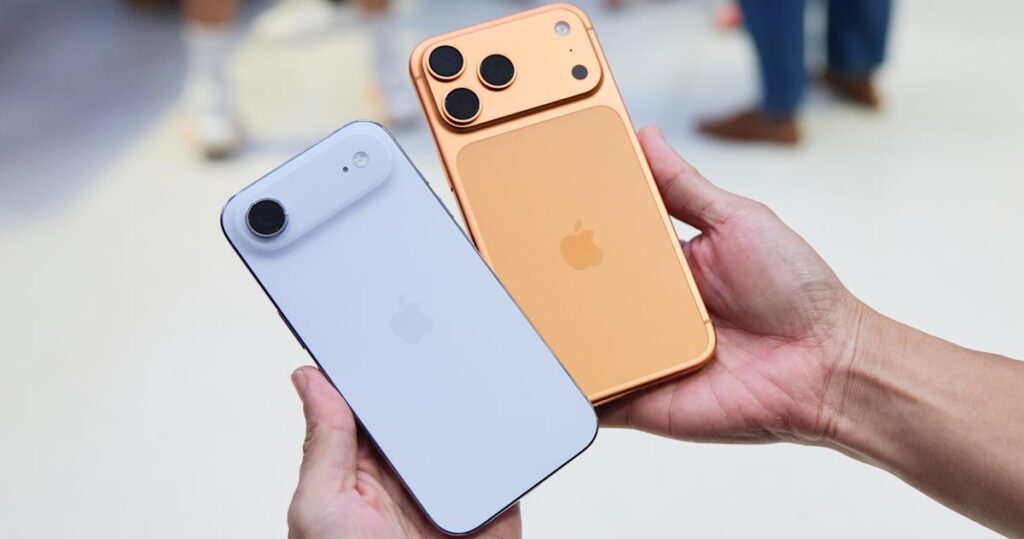
Apple’s satellite features are designed for situations where cellular and Wi-Fi coverage are unavailable. In supported regions, compatible iPhone 14 or later models can connect directly to a satellite to send messages, access Emergency SOS and share location data. Location sharing via satellite is particularly useful when traveling in remote areas, hiking or driving through […]
How to know if an AirTag is tracking you
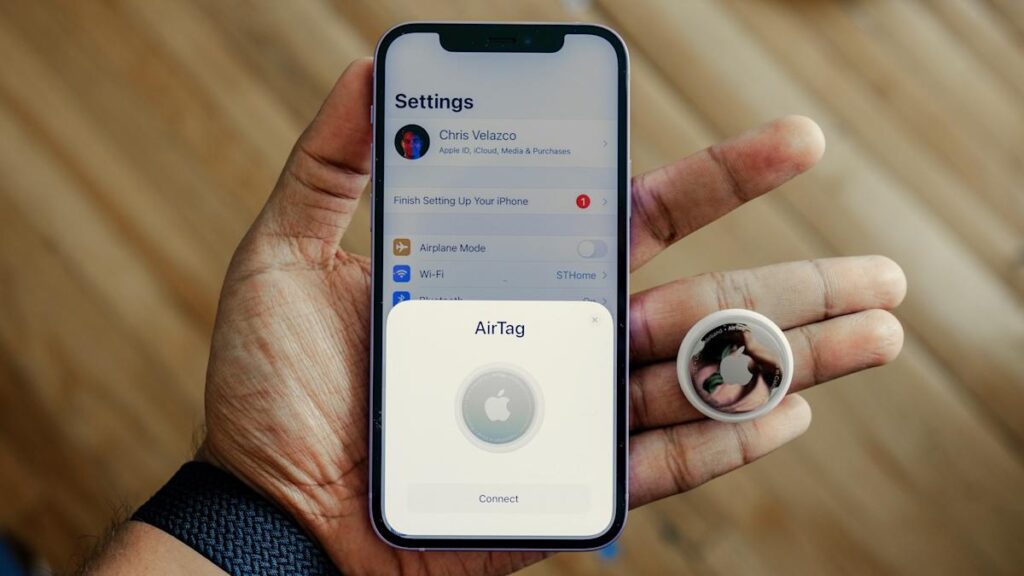
Apple’s AirTag is designed to help people keep track of personal belongings like keys, bags and luggage. But because AirTags and other Bluetooth trackers are small and discreet, concerns about unwanted tracking are understandable. Apple has spent years building safeguards into the AirTag and the Find My network to reduce the risk of misuse and […]
How to customize your iPhone home screen with iOS 26
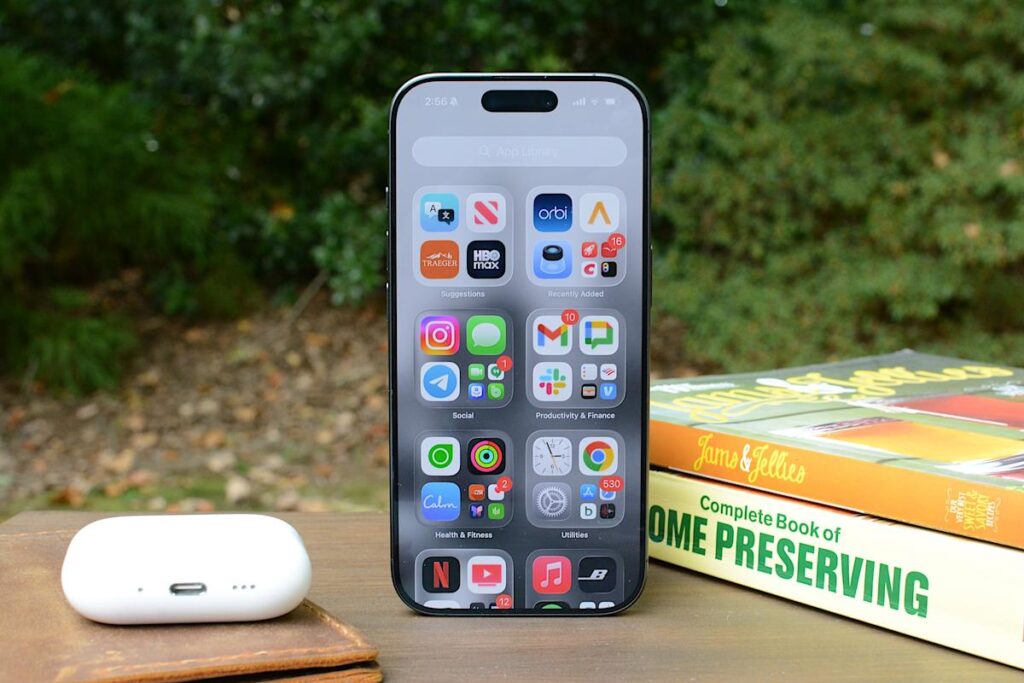
Apple has steadily expanded home screen customization on the iPhone over the past few years, and iOS 26 continues that trend with more visual control over app icons. Building on the changes introduced in iOS 18, the latest update lets you resize icons, remove app labels, apply system-wide color tints and make icons translucent using […]
How to get F1TV with your Apple TV subscription

Last year Apple to broadcast Formula 1 racing in the United States from 2026 to 2030. Apple TV subscribers can now watch every practice and qualifying session as well as every sprint and Grand Prix of a race weekend on the F1TV app by linking their Apple account. Right now, those with an existing F1TV […]
How to track your sleep and view your sleep data in Apple Health
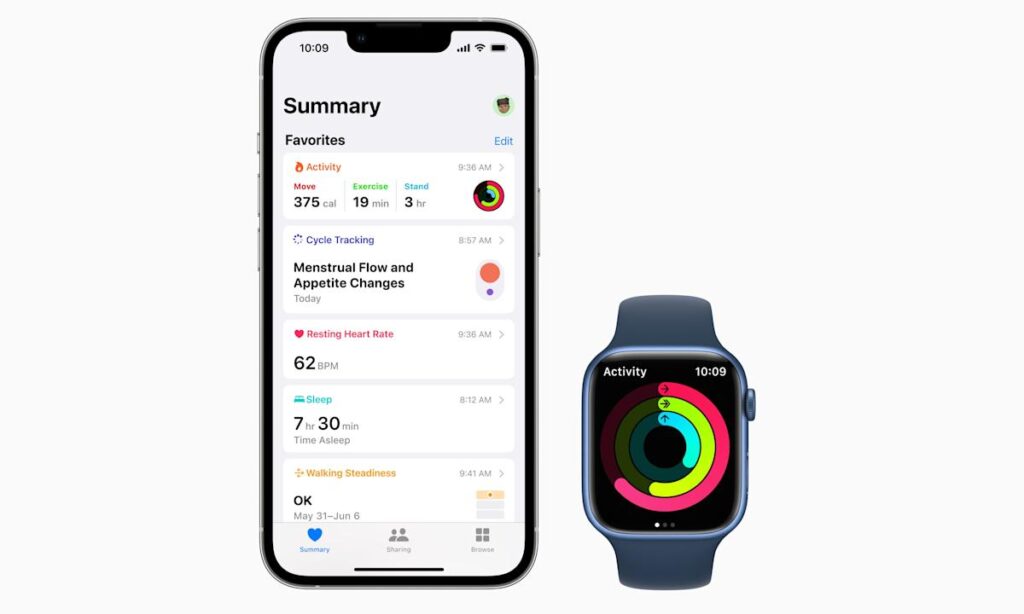
Apple Health brings sleep tracking, scheduling and long-term analysis into one place, with your iPhone acting as the hub and the Apple Watch doing the overnight monitoring. Once everything is set up, Apple Health can show how long you slept each night, how consistent your sleep schedule is and how much time you spend in […]
How to set up an AirTag
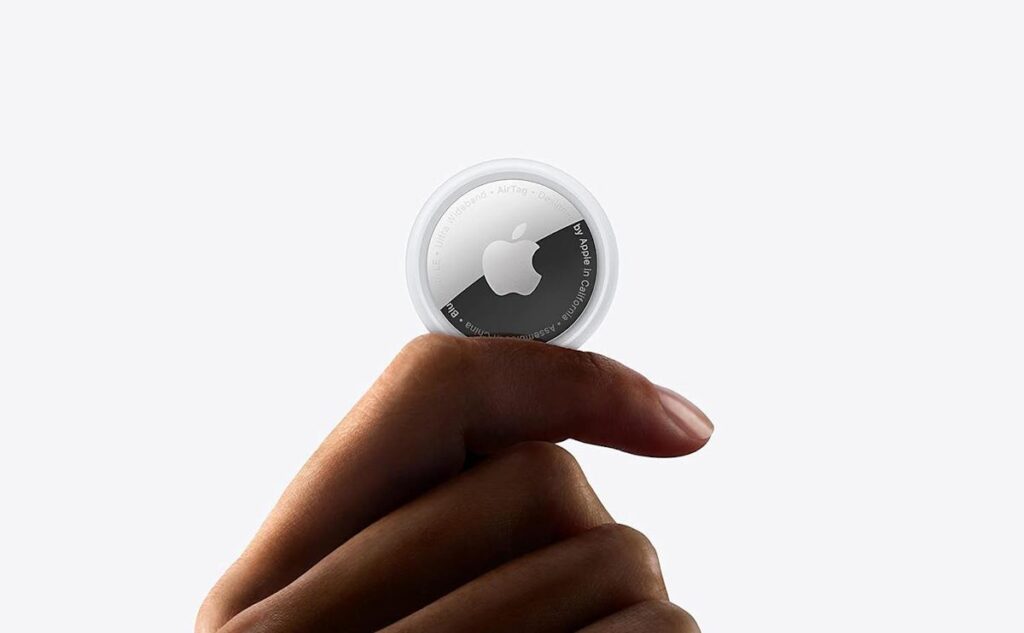
Apple’s AirTag makes it easy to keep tabs on everyday items like keys, bags and luggage using the Find My network. Setup is quick, requires no tools and takes just a minute or two as long as you have a compatible iPhone or iPad. Once paired, your AirTag quietly works in the background to help […]